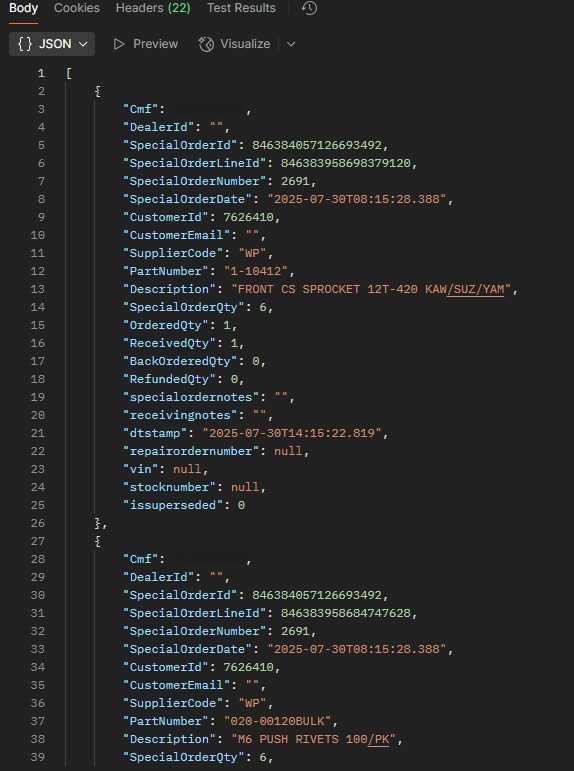
Postman is the preferred API platform for getting familiar with the Lightspeed 3PA API. You can use another API platform if you desire but we feel Postman is the easiest for most people. This section will give you a quick example on using Postman to make a request against our demo database’s Parts endpoint. Download Postman by using the below link and create a free account. Documentation on how to use Postman can be found below link as well.
Download: https://www.postman.com/downloads/
Documentation: https://learning.postman.com/docs/getting-started/introduction/
Steps to create your first HTTP Request:
Step 1
Download Postman CollectionStep 2
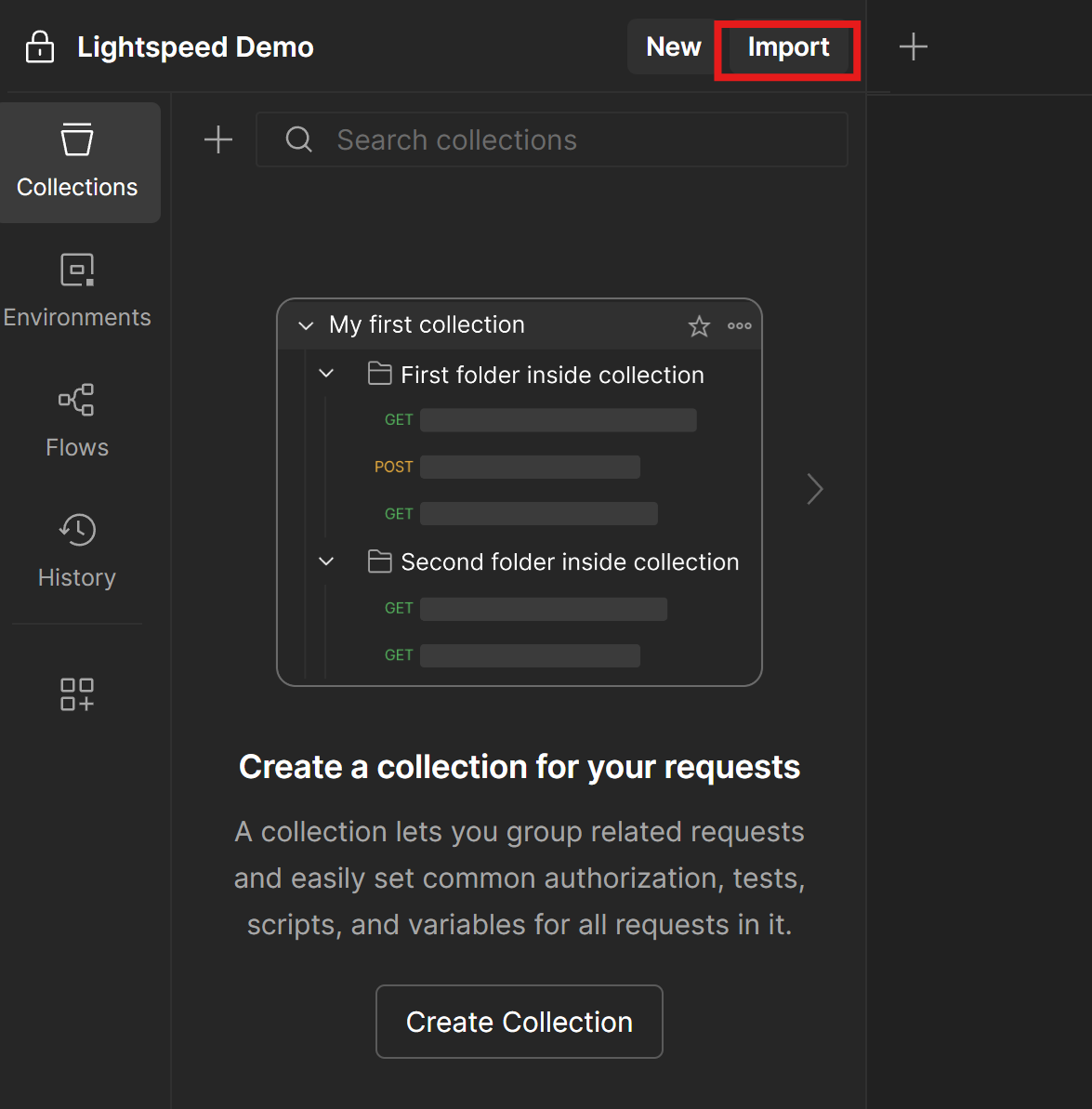
Click Import and drop Postman collection
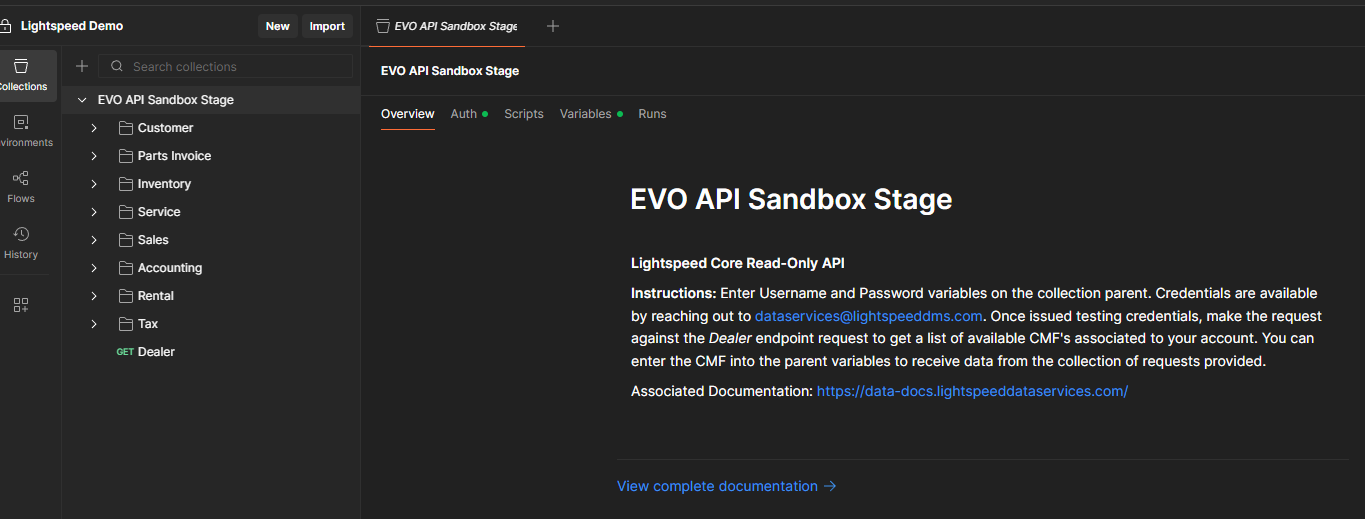
Step 3
On the Collection Variables page, enter username and password. To get sample credentials please reach out to dataservices@lightspeeddms.com.

Step 4
Select an endpoint in the Collection and press Send in the top right to process the request. The results will be returned in the bottom section of Postman.